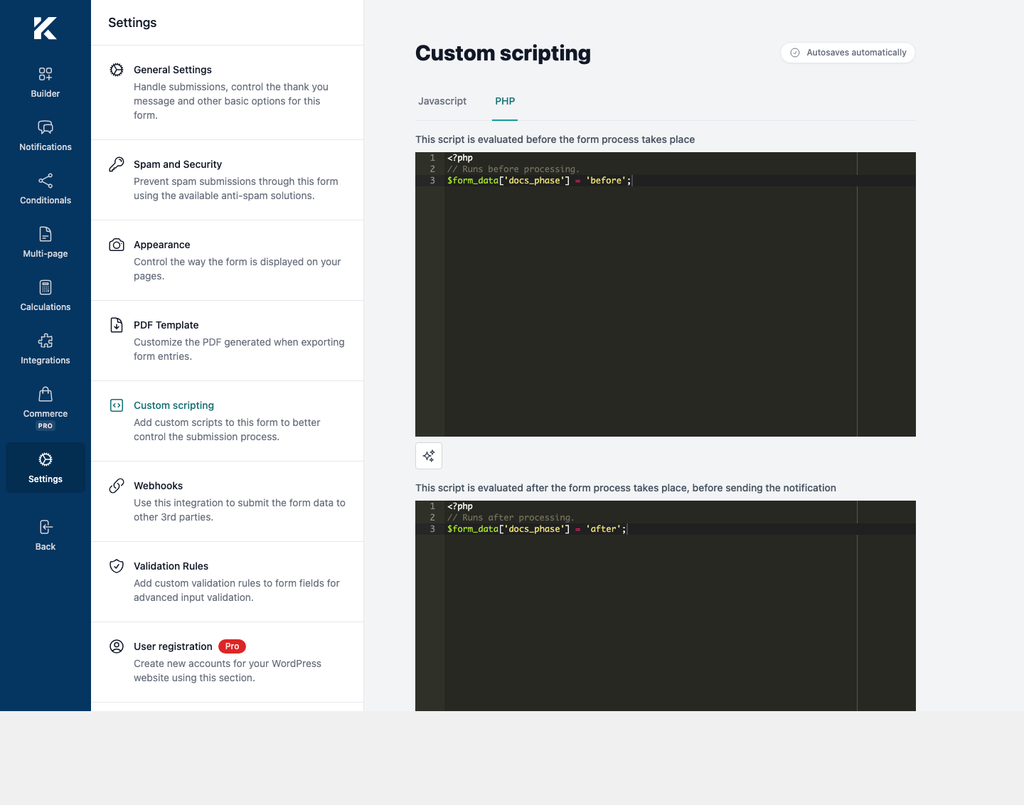
Custom scripting provides JavaScript and PHP editors for adding form-specific behavior.
Security requirements
Custom code runs with the privileges of the site and the visitor’s browser. Only trusted users who can review code should be allowed to edit forms.
- Test changes on staging and keep a current backup.
- Do not paste code from an untrusted source.
- Avoid secrets in JavaScript because visitors can read page source and network requests.
- Validate and sanitize submitted values before using them in PHP.
- A PHP syntax error or uncaught error can break submission processing.
Open the JavaScript editor
- In WordPress, go to Kali Forms > Forms and edit a form.
- Select Settings in the builder navigation.
- Select Custom scripting.
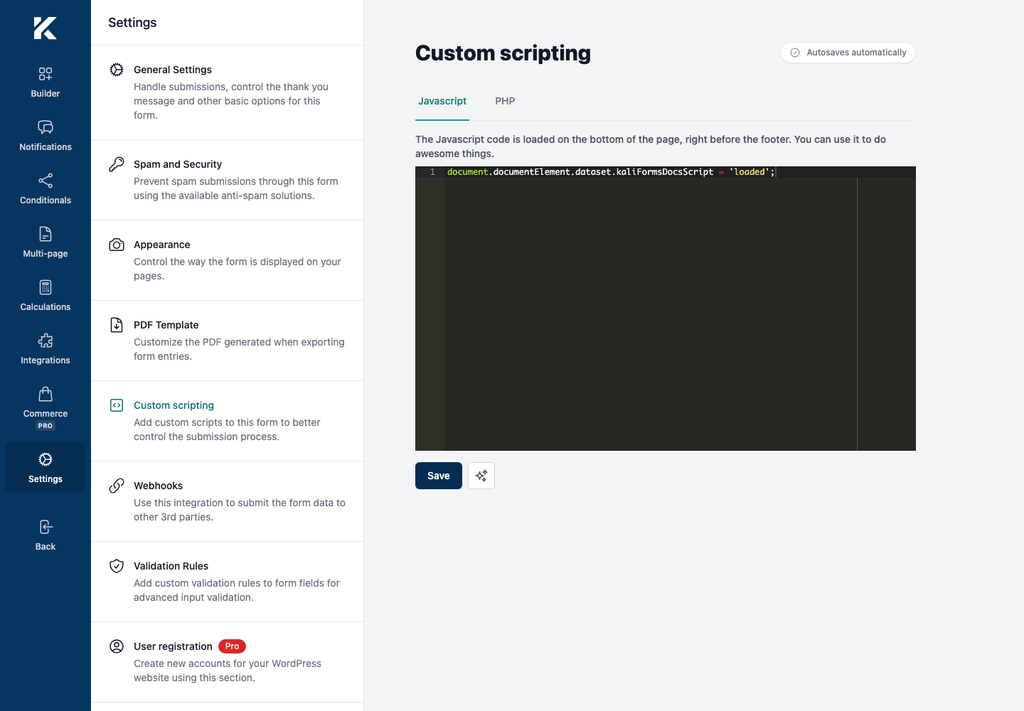
- Select Javascript.
The editor description states that the JavaScript is intended to load near the bottom of the page, immediately before the footer. Select Save after editing.
Open the PHP editors
- Open Settings > Custom scripting.
- Select PHP.
- Add pre-processing code to the first editor.
- Add post-processing code to the second editor.
- Select Save.
The first editor is described as running before form processing. The second is described as running after processing and before notification delivery. The builder removes PHP opening and closing tags when it saves the values, so enter the code body only.