Split a longer form into focused pages so visitors complete one group of fields at a time.
Before you begin
- Create the fields your form needs and arrange them in their final builder order.
- Activate Kali Forms Pro.
Create and configure the pages
- In WordPress, go to Kali Forms > Forms and edit the form.
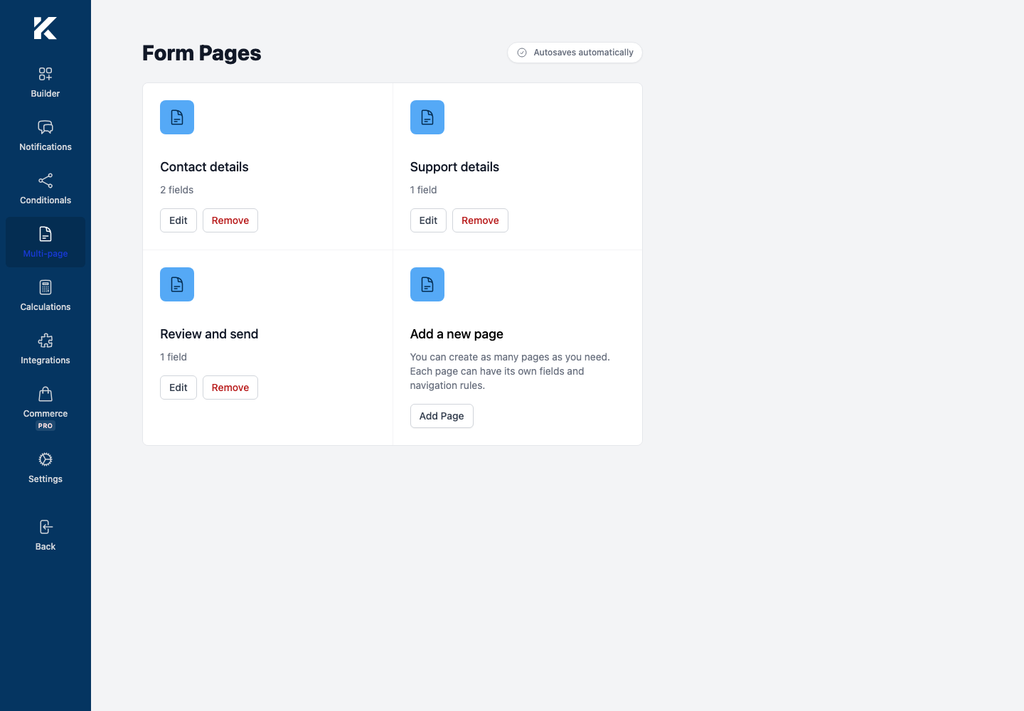
- Select Multi-page in the builder navigation.
- Select Add Page.
- In General, enter a descriptive Page name.
- Enable Validate on next if visitors must resolve validation errors before continuing.
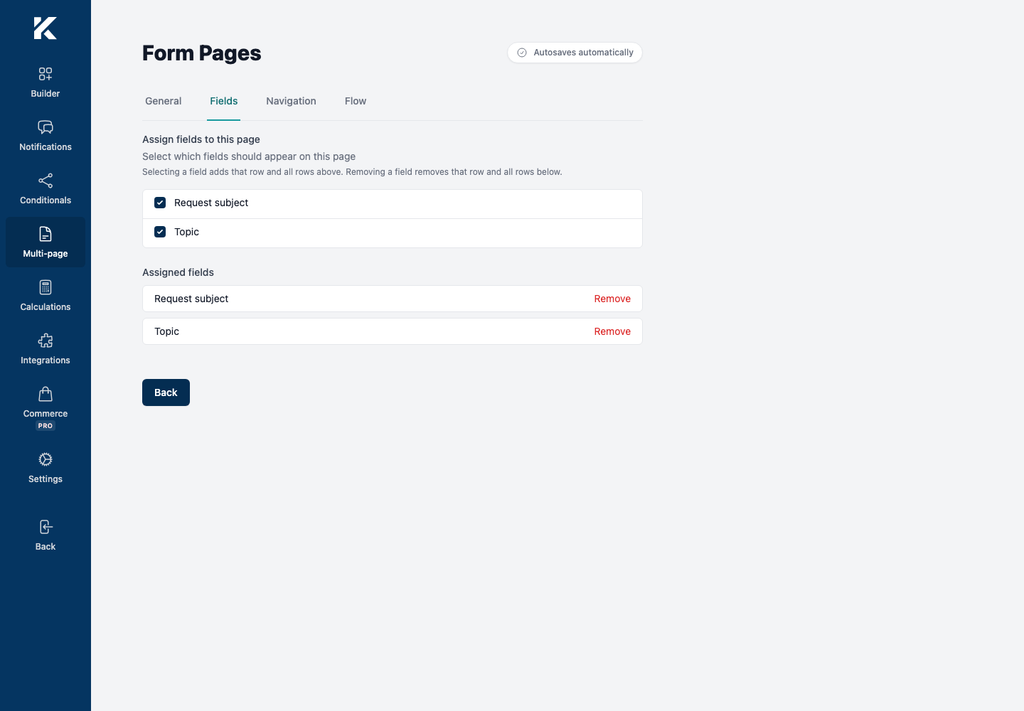
- Open Fields and select the last field that belongs on the page. Kali Forms assigns that row and every unassigned row above it; removing a field removes that row and the rows below it.
- Select Back to return to Form Pages.
- Repeat these steps for each page. The page list shows the saved order and assigned field count.
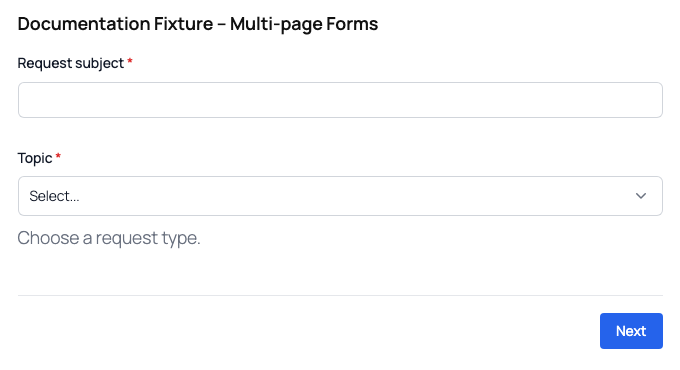
- Embed the form and preview it. The first page shows Next; later pages show Back and Next as applicable.